Free photo to coloring page
Turn a photo into a coloring page, free.
Upload a picture of your kids, your pet or the two of you. Your coloring page is ready in about 20 seconds, no account needed.
One photo is enough to start
Create my free previewJPG, PNG, WebP or HEIC
No account needed to start.
Free to create. Printed coloring books from $19.99.
By uploading a photo you agree to our Terms. Family-friendly photos only. We never sell your photos.
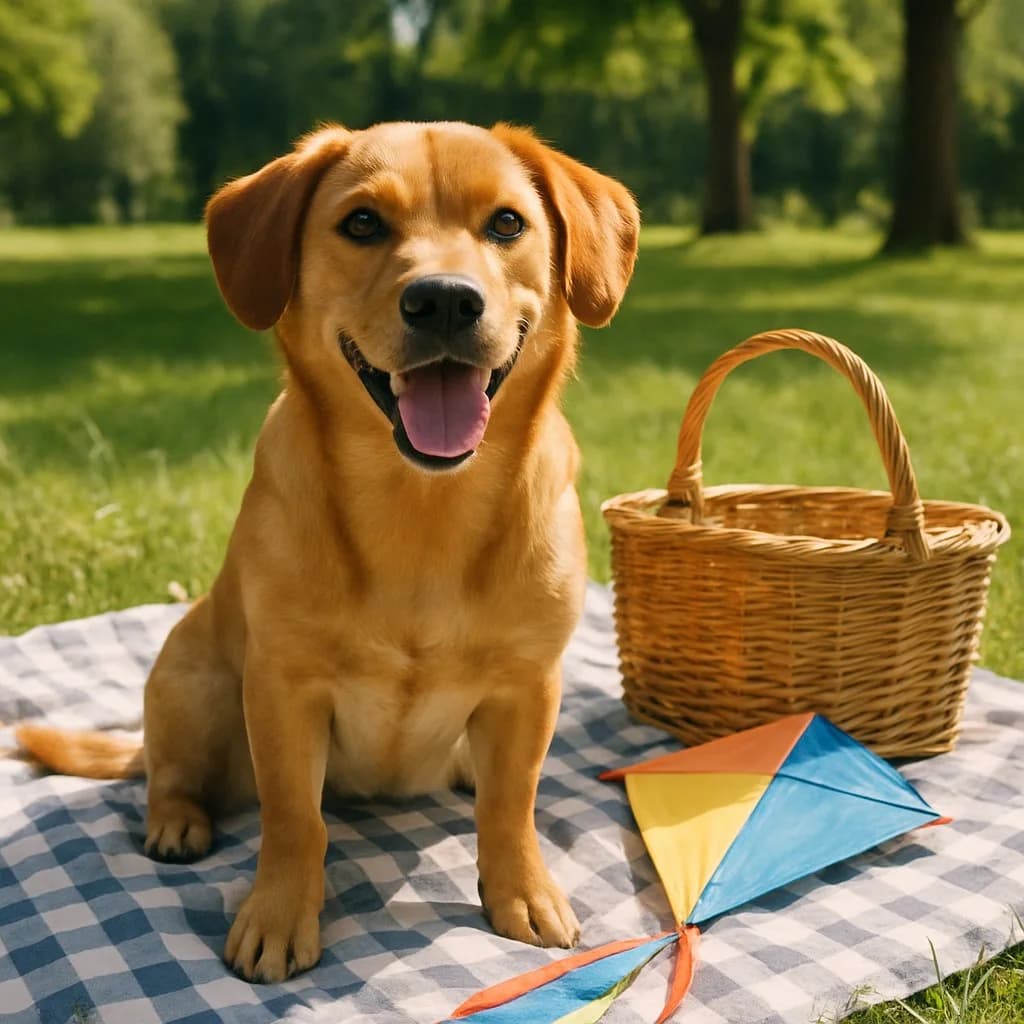
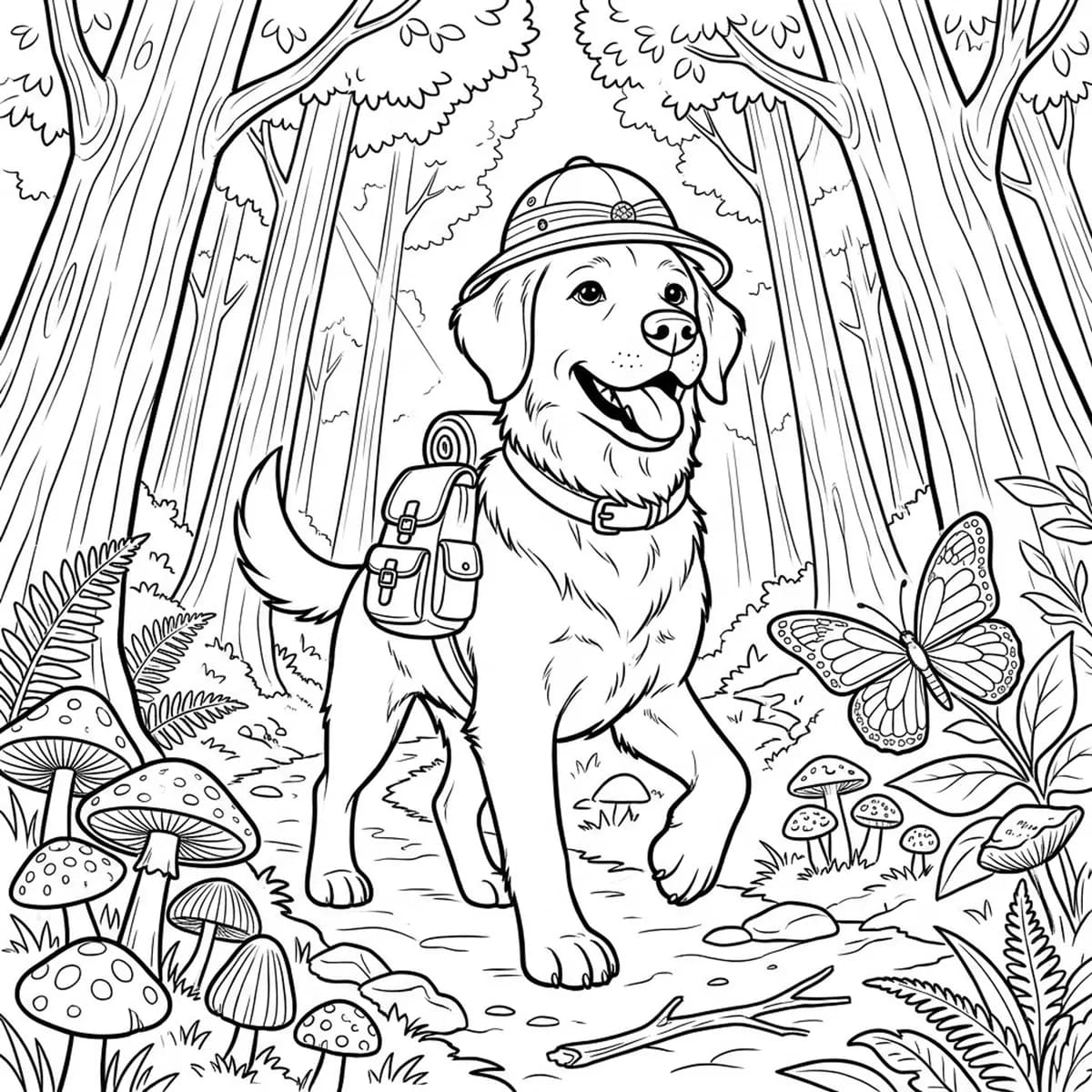
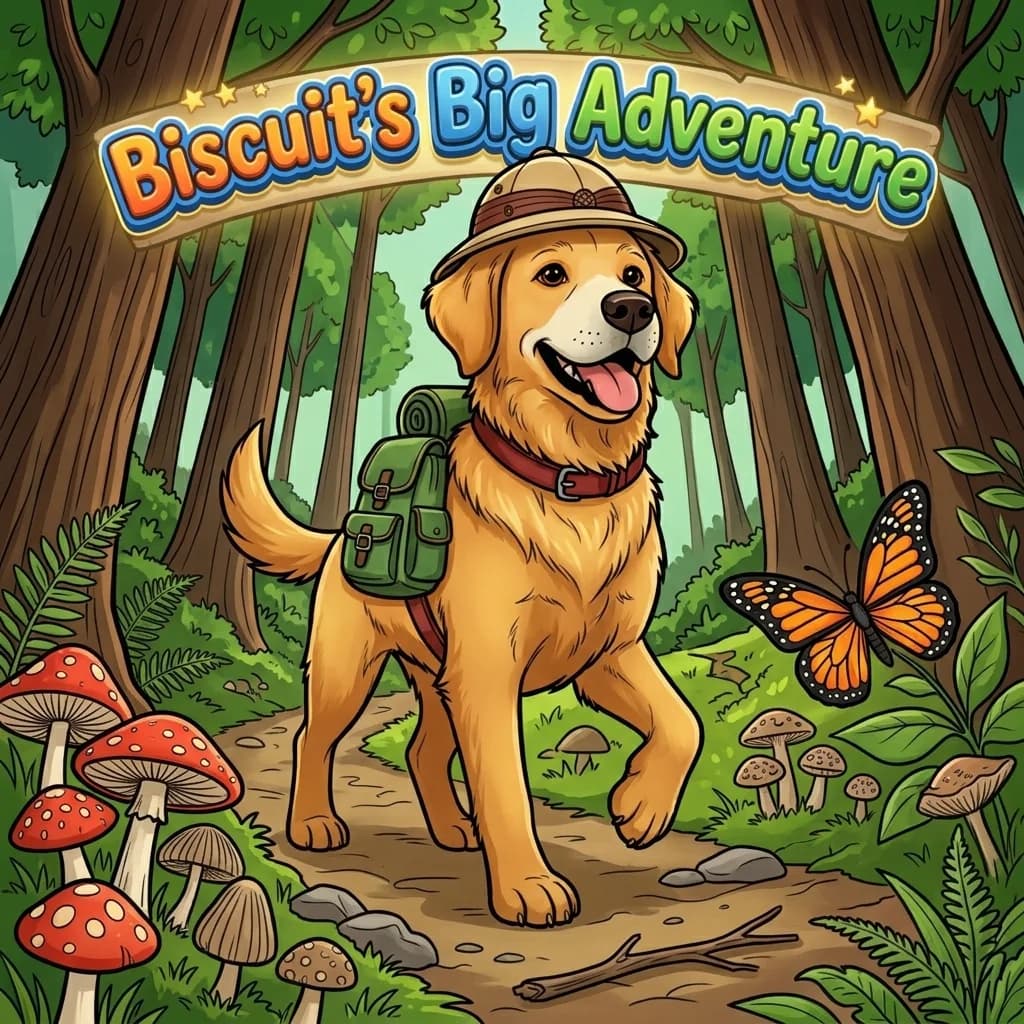
How to turn a picture into a coloring page
Choose a photo
Tap the card above and pick a photo, or drop one on it. Phone photos are fine.
Watch it drawn
In about 20 seconds ColorCraft turns the photo into line art: your subject in a scene, ready to color.
Download or keep going
Download the page free, or build a 12-page coloring book around it with one tap.
Photos and the pages drawn from them
Sample photos, and the coloring page ColorCraft drew from each one with the recommended settings.
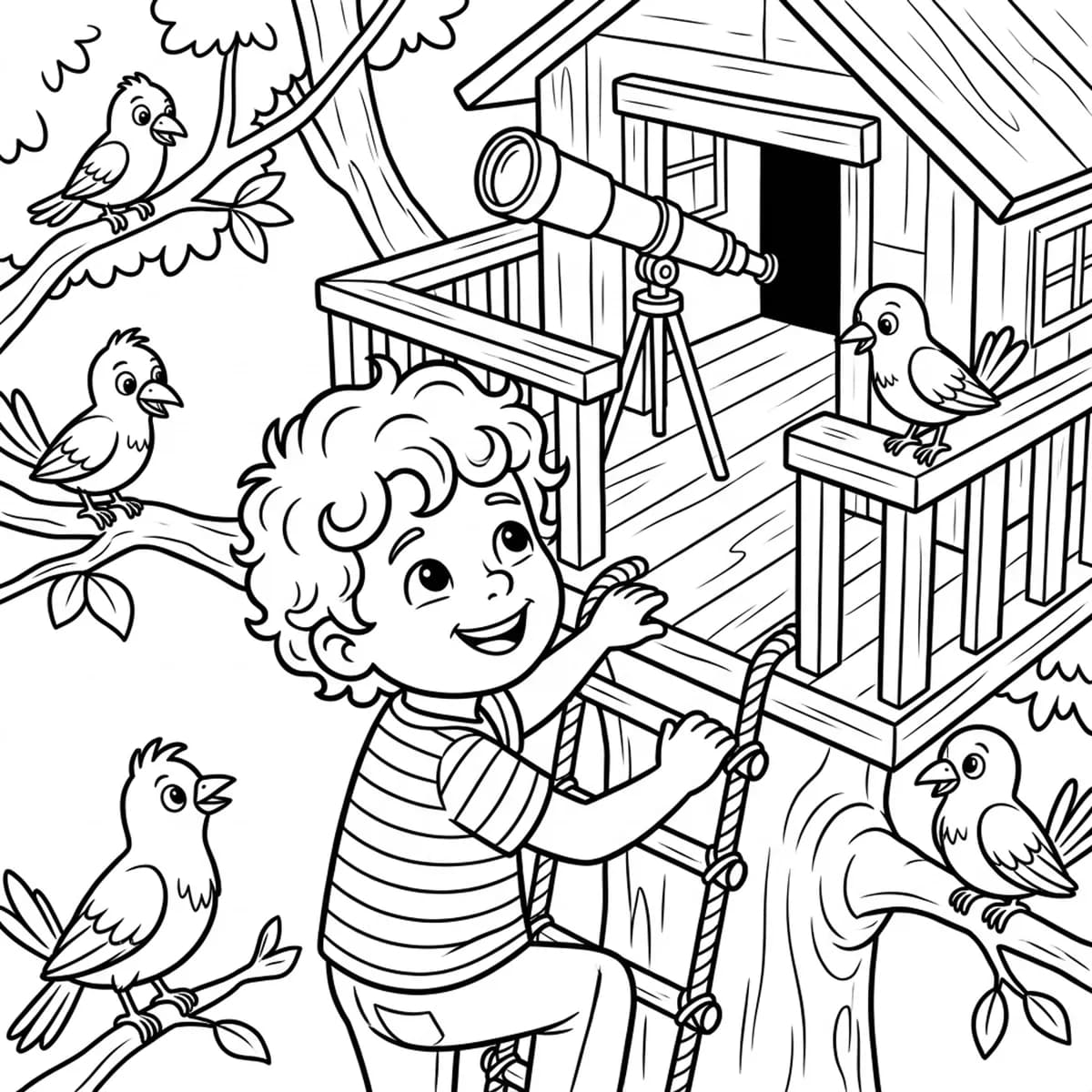
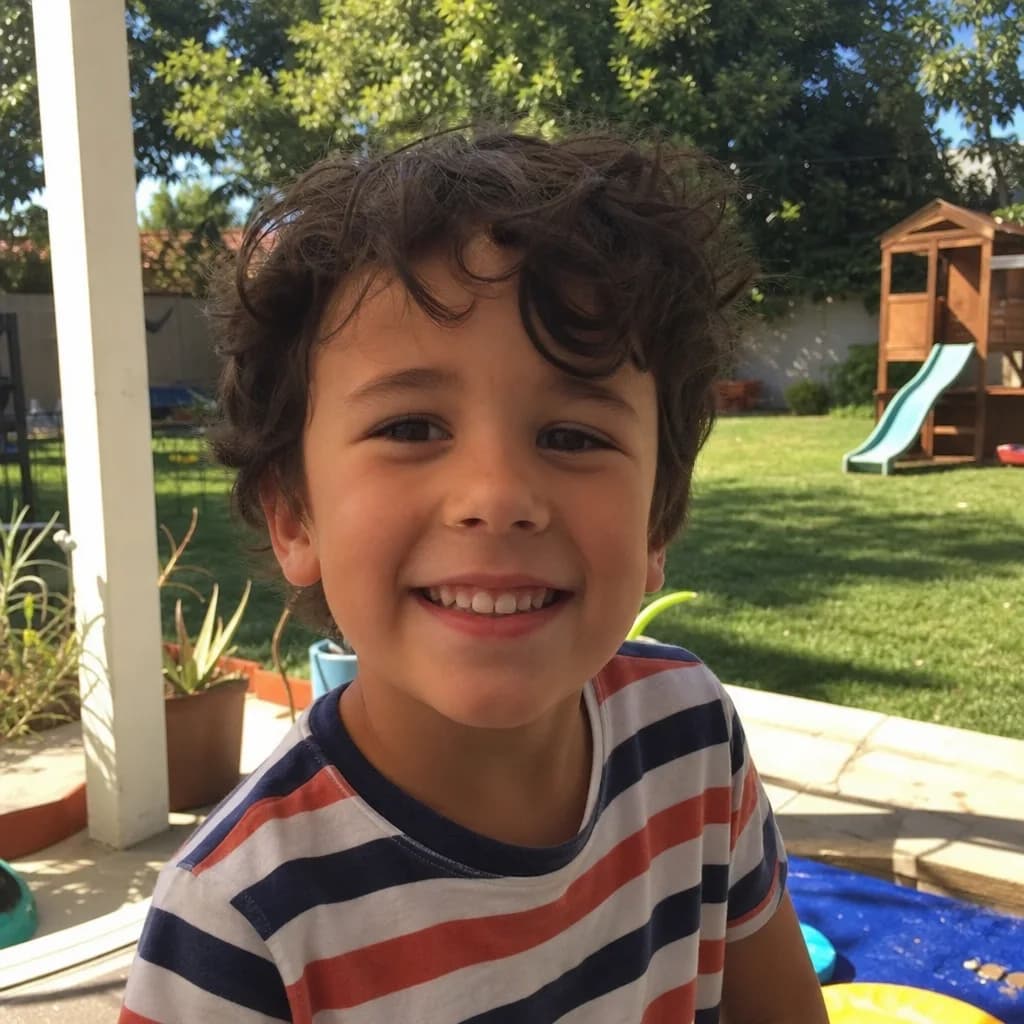
Kids
Pets
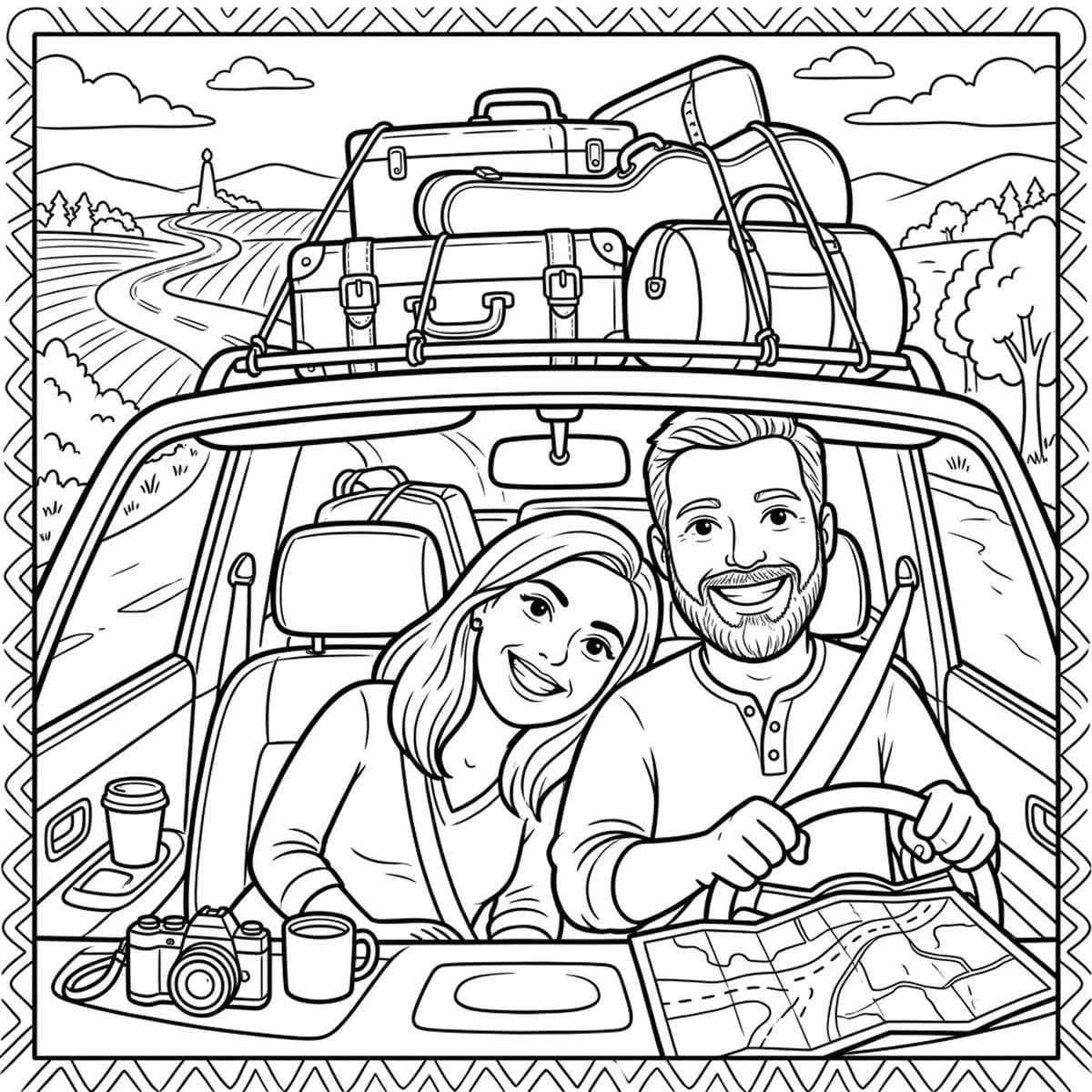
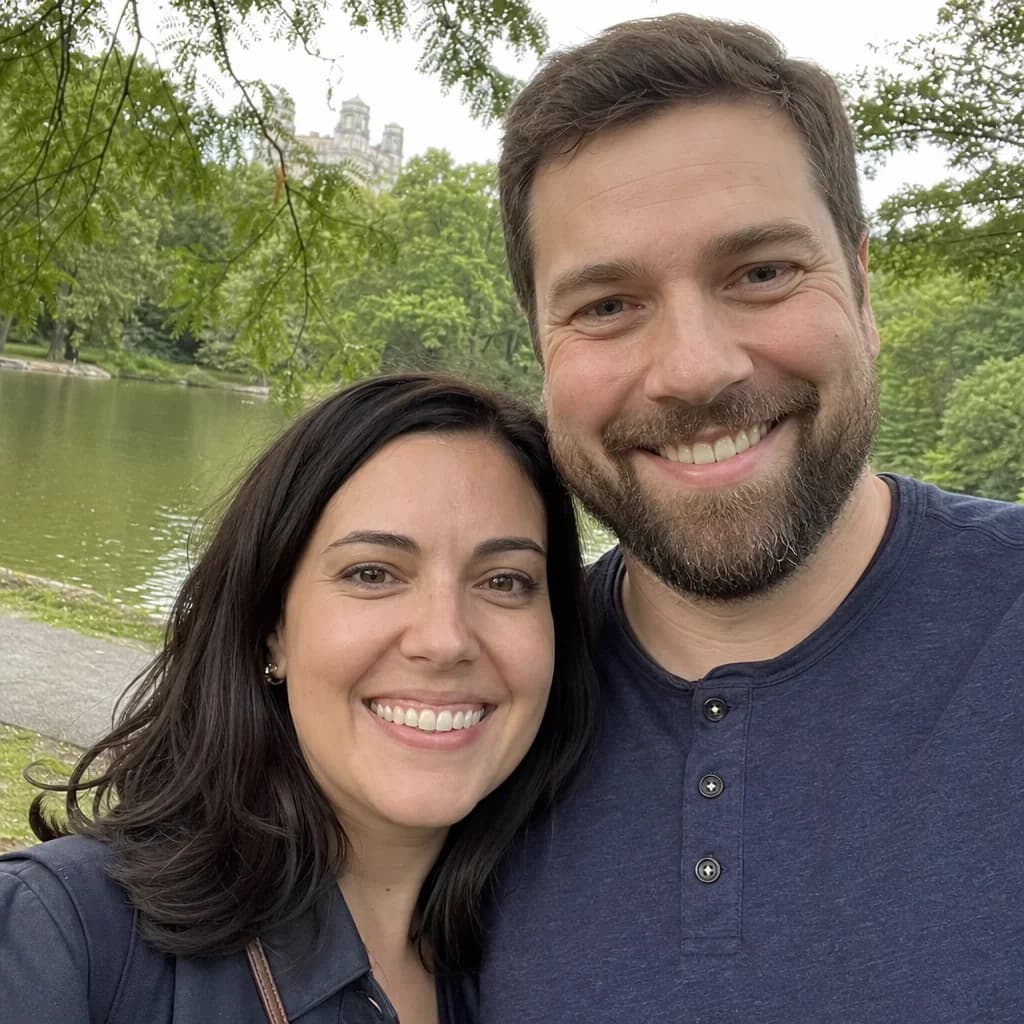
Couples
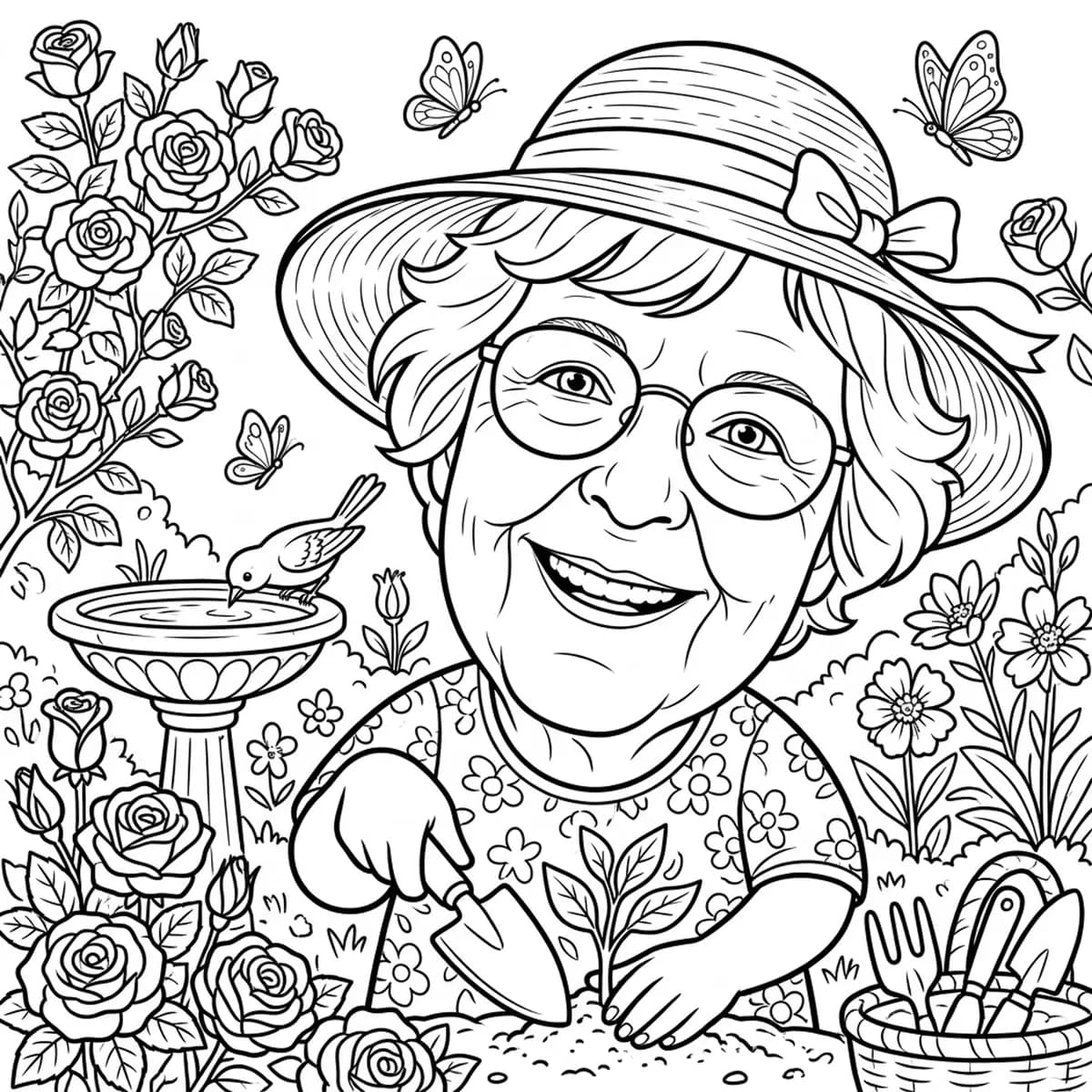
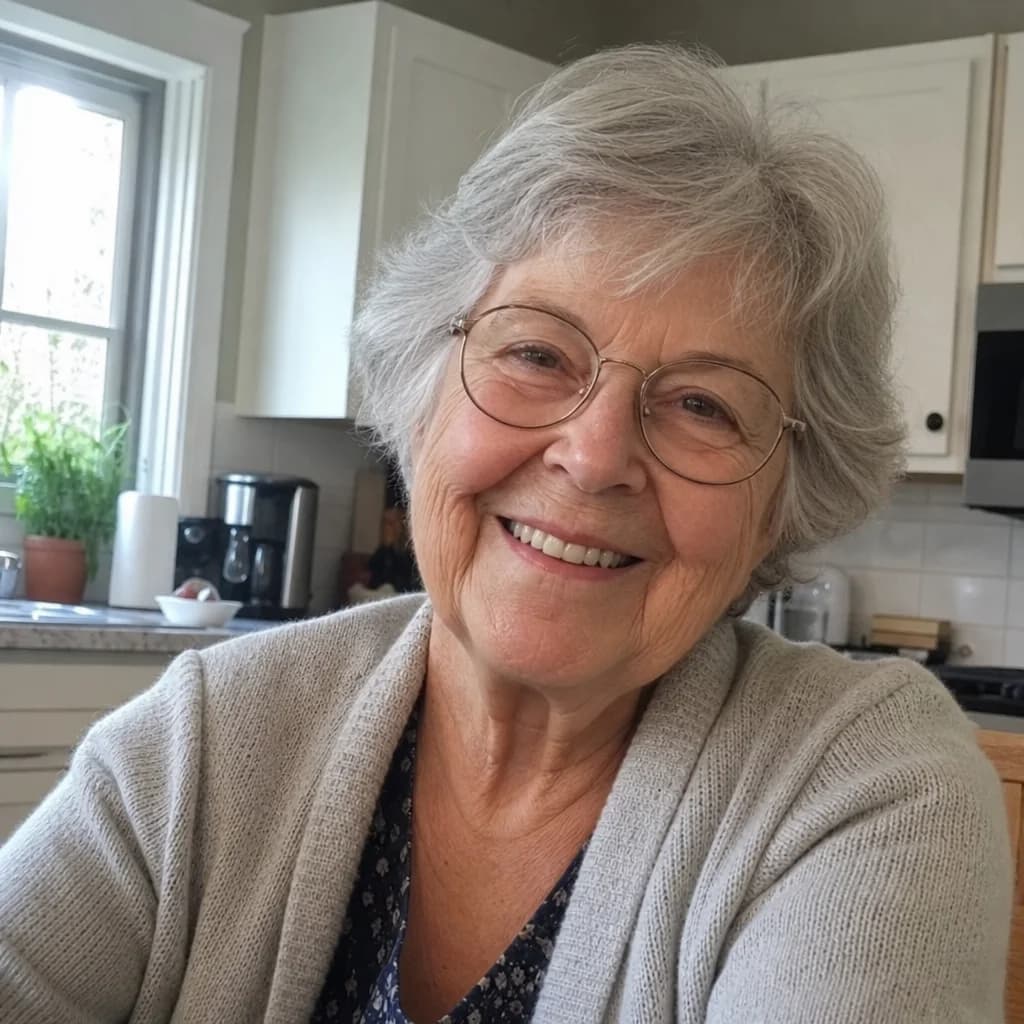
Grandparents
Which photo to use
- One subject, face visible. A child, a pet, a couple or a grandparent comes out best; a crowd comes out busy.
- Good light. Daylight beats a dim room. Blurry photos give soft lines.
- Close enough to see them. Crop out the background if the person or pet is small in the frame.
One page, then a whole coloring book
Your page can become page 1 of a coloring book starring the same person or pet: 12 scenes built around them, a cover with their name, every page previewed before you pay. Free to create. Printed coloring books from $19.99 for up to 16 pages; longer ones add $2.99 a copy.
Common questions
Is the photo to coloring page tool free?
Yes. Your first page is free and downloads free, with no account. Without an account you can make up to 24 pages and 12 redos; a free account adds 24 more pages and keeps your work.
How do I turn a picture into a coloring page?
Tap "Create my free preview", choose a photo (JPG, PNG, WebP or HEIC, straight from your phone is fine), and ColorCraft draws a black-and-white coloring page of your subject in about 20 seconds. Download it, or build a whole coloring book from it.
What kind of photo works best?
One clear, well-lit photo where the face is visible, with one subject rather than a crowd: a child, a pet, a couple or a grandparent. Family-friendly photos only.
Can I print the coloring page at home?
Yes. The page downloads as an image you can print on regular paper. Crayons and colored pencils work best; test markers on the back page first. Free downloads carry a small Luminant-Labs.com mark in the corner; printed coloring books never do.
What happens to my photo?
Used only to make your coloring book, never sold. Our servers do not keep your photo once your pages are drawn.
Can I turn it into a whole coloring book?
Yes. One tap builds a 12-page coloring book starring the same person or pet, with your page as page 1. It is free to make and preview. A printed 8.5 inch square copy is $19.99 for up to 16 pages, and free US shipping on orders of 1-5 copies.